Searches for a “pixel art avatar” or “pixel profile picture” usually mean one of three things: a classic mosaic that only chunks your photo, a hand-drawn sprite in an editor, or an AI redraw that keeps a readable face in a square frame. This guide is the third path—AniPixel Pixelize with the Portrait preset (or Icon when you want a bolder tile). If you only want blocky pixels on the same photo, use the free Pixelate tool instead; for the full product loop, see Getting started with Pixelize.
A strong result is square, still recognizable when small, and simple enough to survive compression on Discord, forums, Steam-style profile slots, and other social apps. Prefer a head-and-shoulders source; skip this flow when you need a production tilesheet with locked palette rules.
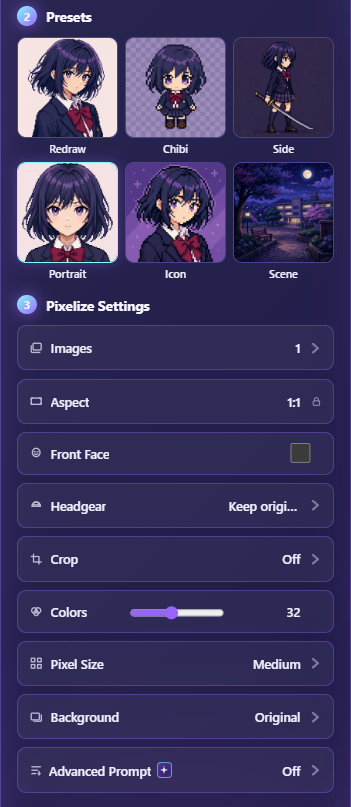
Quick path
- Open Pixelize.
- Upload a clear face or bust. Prefer a source that is already head-and-shoulders.
- Choose Portrait (aspect locks to 1:1). Turn on Front Face if the source looks away.
- Only if the face is off-center: open Crop → Manual, then drag the white frame on the Source preview. Selecting Portrait alone does not show a crop box.
- Start with default Colors / Pixel Size. Generate one image.
- Download PNG. Optional: cut out a transparent profile PNG if you want a floating head on your own plate.
Source checklist for avatars
- One person, face large enough to recognize at thumbnail size.
- Soft or plain background—or plan to remove it after.
- Avoid group photos unless you Manual-crop to a single face first (better source images for Pixelize).
- Only upload photos you have permission to use; get consent for other people’s faces.
Portrait vs Icon vs Chibi
| Goal | Preset | |------|--------| | Face / bust that still feels like the person | Portrait | | Tiny, bold tile (server icon energy) | Icon | | Cute exaggerated remake on purpose | Chibi — see Chibi pixel art |
If Portrait keeps missing the face, the subject is probably too small in the upload—crop closer before changing Colors.
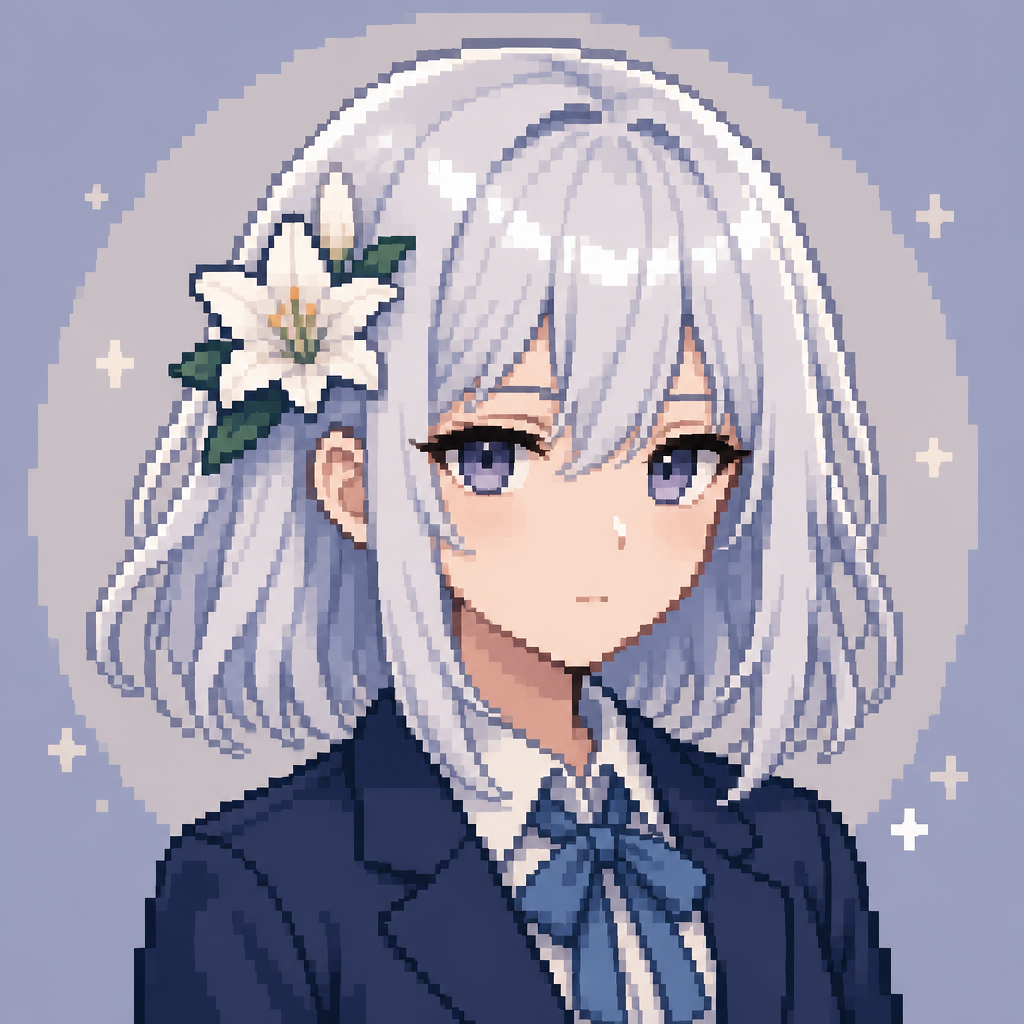
Will this work as a Discord or forum profile picture?
Usually yes, if the face still reads when you shrink the PNG to roughly avatar size on a dark chat or forum theme. Keep the square file for most profile slots. For a cutout on a custom plate, remove the background, then check edges at 100% zoom. If the file looks soft when a game or client scales it, recover a crisp integer scale instead of stretching it in a photo app.
For tiny chat reacts rather than a profile image, use the Discord-style pixel emote workflow. For sticker packs with transparency, see pixel art stickers.
Privacy note: Pixelize sends images to AI providers and may keep outputs in History. Read the Privacy Policy before uploading personal portraits.