Pixel stickers need two things: a readable silhouette and a transparent edge. AniPixel covers both—Pixelize for the redraw, then the free Remove Background tool in your browser (no credits). This guide is the sticker loop; the longer cleanup chain is also in Pixelize then cleanup.
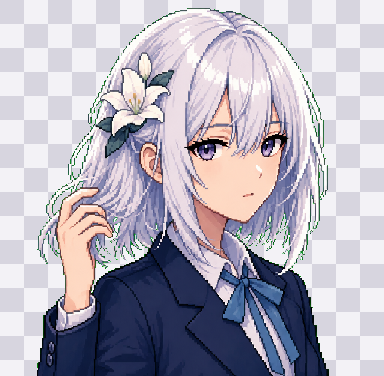
Recommended workflow
- Generate on Pixelize with Chibi (cute) or Redraw (closer likeness). Prefer a simple or transparent background setting when available.
- Download the PNG you like.
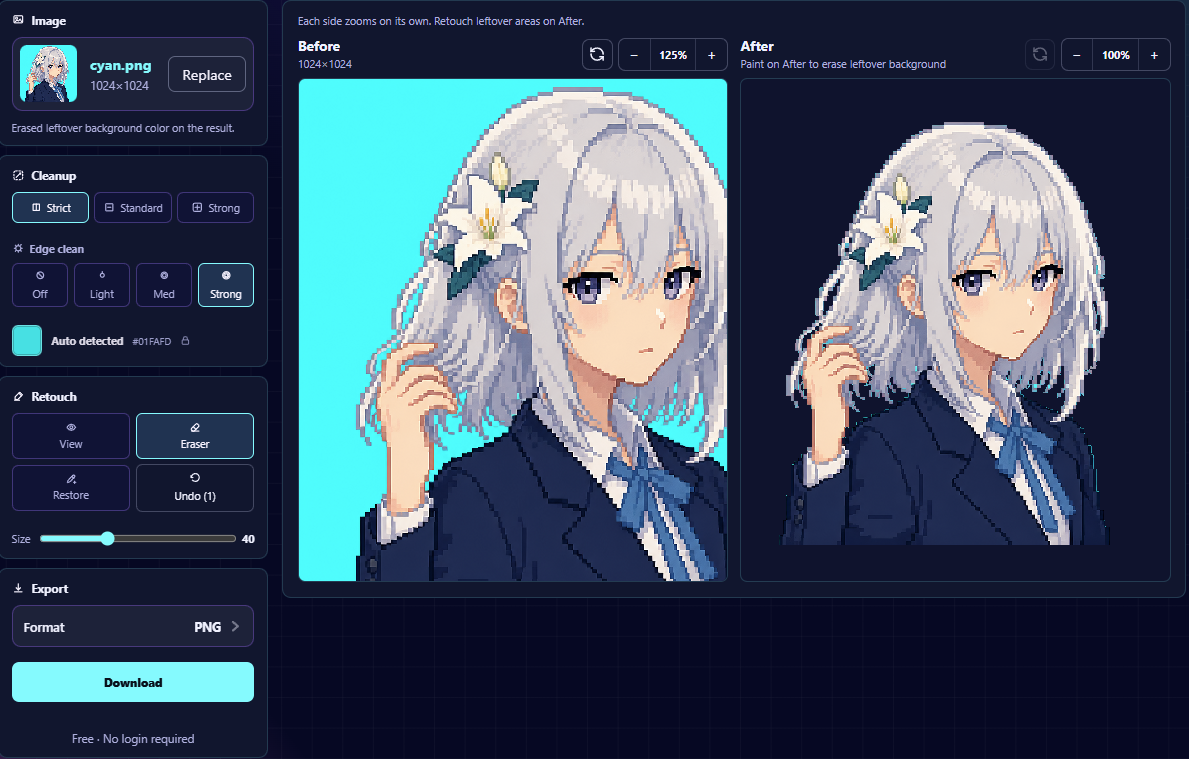
- Open Remove Background, drop the PNG, preview the cutout, export.
- Optional: Fix Pixel Grid if you need a true low-res sprite or crisp 2×–4× upscale for chat apps.
Design tips that survive chat compression
- One character, clear outline, limited tiny props.
- Avoid thin single-pixel antennae that vanish at emoji size.
- High contrast between subject and whatever background you start with.
- Square or near-square framing is easier to drop into sticker packs.
Preset cheat sheet
- Chibi — stickers and playful packs (Chibi guide).
- Portrait — face stickers / avatar-adjacent cutouts (avatar guide).
- Icon / Icon Pack — item stickers and inventory art (Icon Pack).
Common failures
- Soft halo after remove-bg → zoom 100%, re-export; try a cleaner generation with fewer background colors.
- Muddy silhouette → crop closer and regenerate once before more cleanup.
- Need Discord-sized emotes next → Discord pixel emotes.