AniPixel AI · anipixel.xyz
AniPixel — Photo to Pixel Art
Upload a photo or illustration and get an AI pixel-art redraw: hard edges, compact colors, readable silhouette. This is not a mosaic / pixelate filter that only chunks the same pixels.
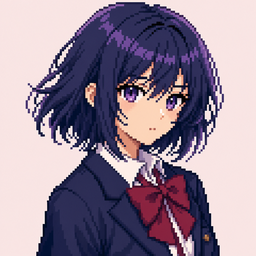
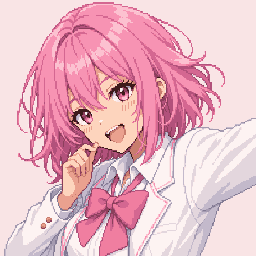
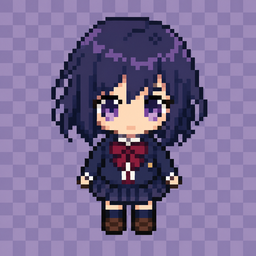
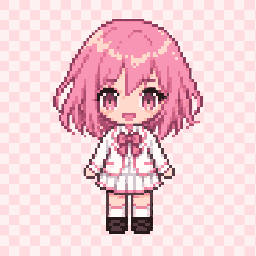
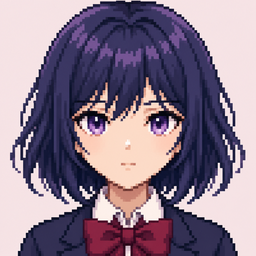
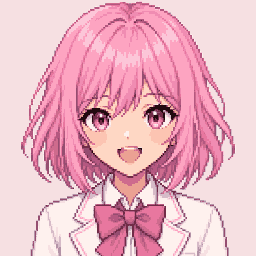


Before & after
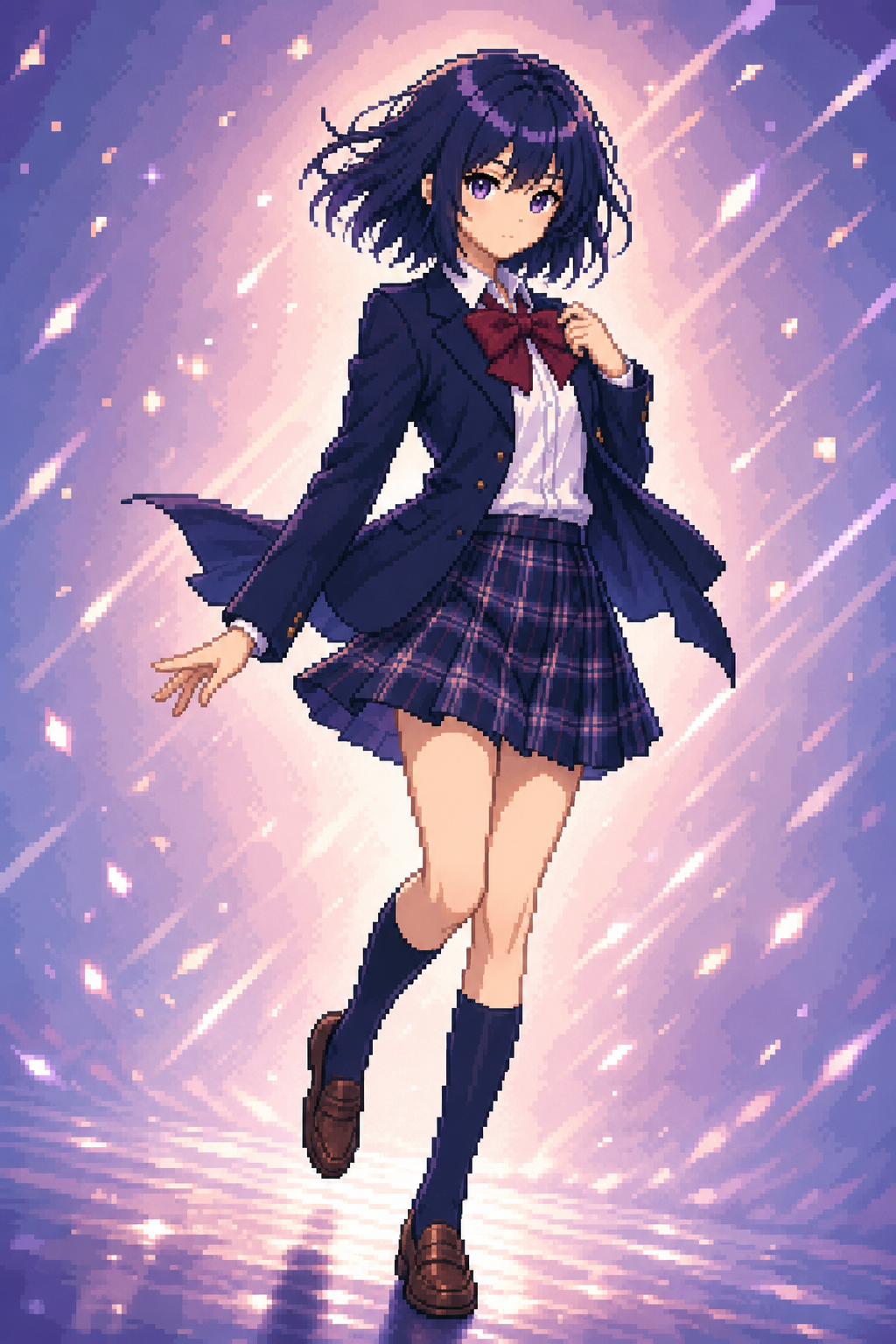
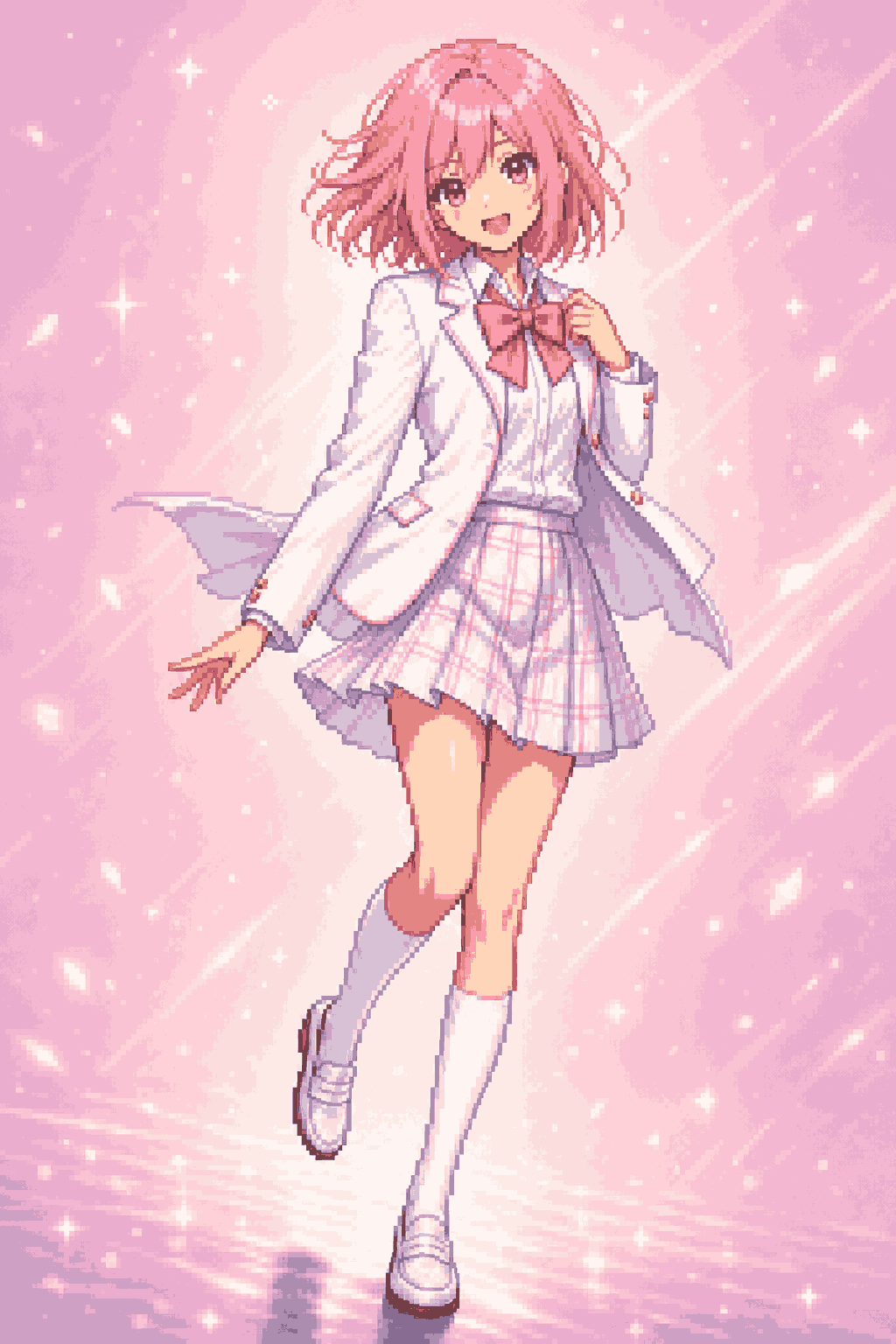
From image to pixel art: a character illustration redrawn with a readable silhouette and compact palette.
Anime art in, pixel art out.
Keep the pose and character identity, then let AniPixel rebuild the photo or illustration with hard pixel edges, cleaner color blocks, and game-ready readability.
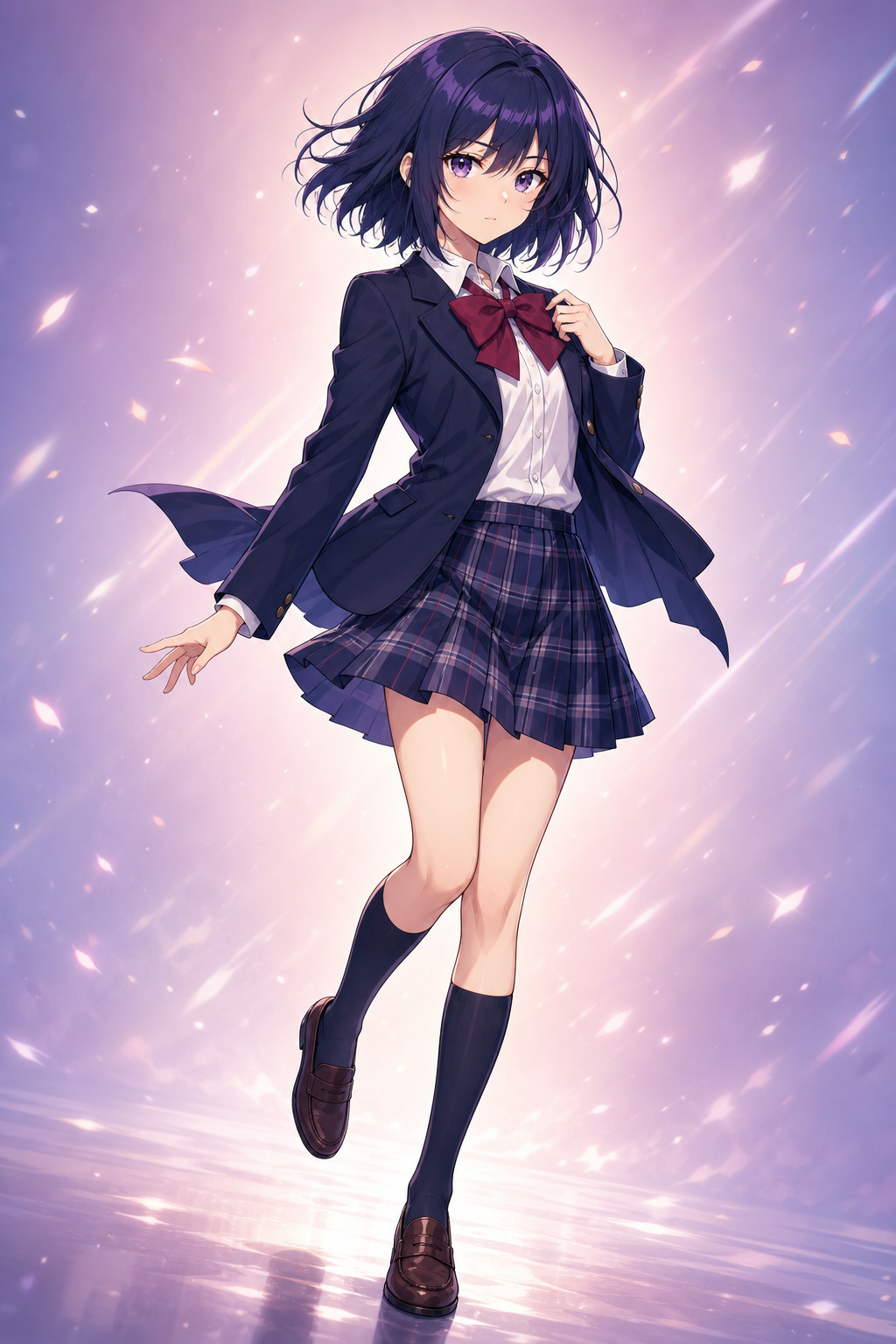
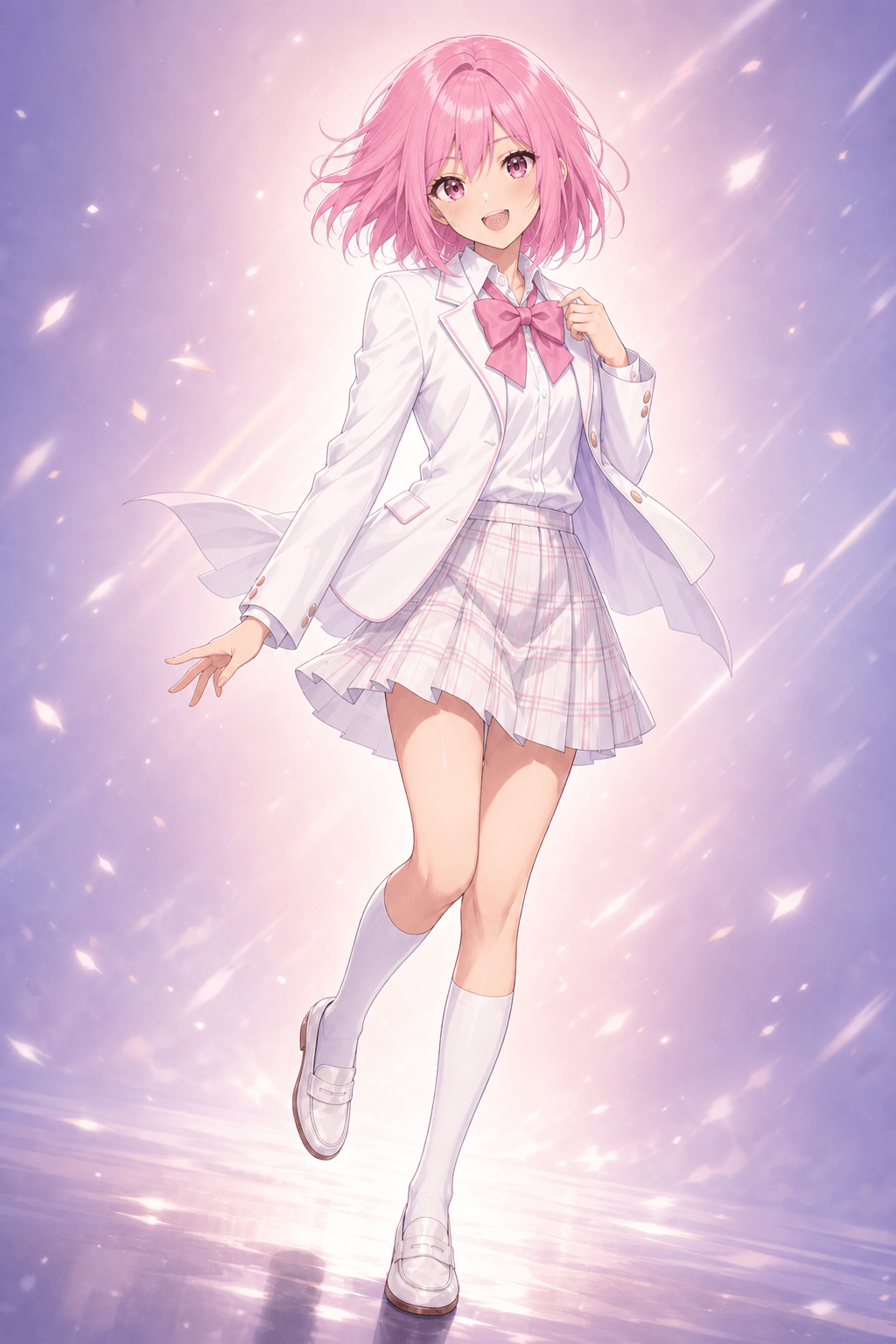
How to convert a photo to pixel art
- Open Pixelize
Go to the studio and upload a JPG, PNG, or WEBP photo up to 20MB.
- Pick a preset
Start with Redraw for a clean photo to pixel art look; try Portrait or Chibi when the subject fits.
- Generate and download
Run the AI redraw, then export a PNG. Each image costs 1 credit; failed runs are refunded.
Why not a free pixelate filter?
Classic photo to pixel art converters downscale into blocks and keep the photo structure. AniPixel asks AI to redraw the image as pixel art, so edges and colors can change — closer to game-style art than a mosaic.
Photo to pixel art FAQ
Can I convert a photo to pixel art here?
Yes. Upload a portrait, selfie, or anime still in Pixelize, choose a preset, generate, and download a PNG. Results are AI redraws, so fine details can change.
Is this the same as pixelate image online?
No. Pixelate / mosaic tools keep the photo and only make it blocky. AniPixel redraws the image as pixel art. Use a filter for a mechanical grid; use Pixelize for a stylized reinterpretation.
Do I need an account?
You need to sign in to run Pixelize. New accounts get free credits to try photo to pixel art conversion. Browser tools like Remove Background stay free without credits.
Ready to convert a photo to pixel art?
Open Pixelize, upload a portrait or anime still, and download an AI redraw — not a mosaic filter.
Open Pixelize