AniPixel AI · anipixel.xyz
AniPixel AI — AI image to pixel art for anime-style art
AniPixel AI turns an image into pixel art. Plenty of presets to choose from. Built for anime-style art. 5 free credits on signup.
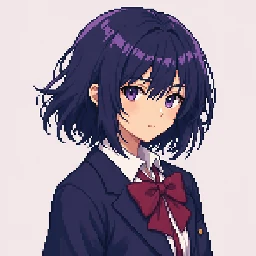
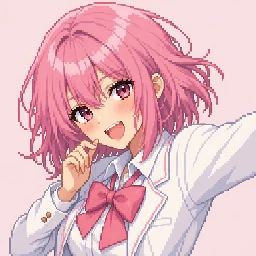
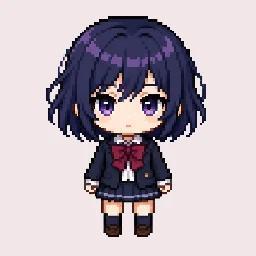
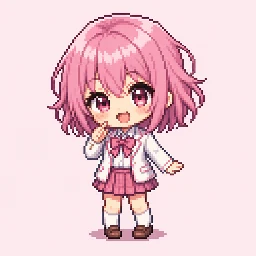
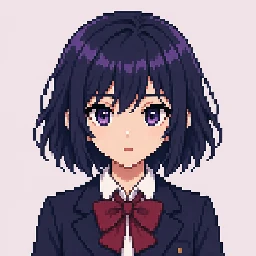
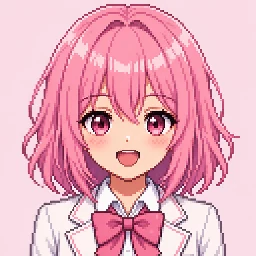
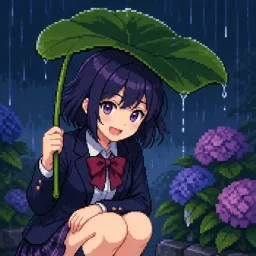
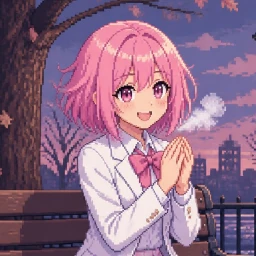
A web app for creating pixel art
AniPixel AI is an AI image-to-pixel-art web app with an anime-style focus (anipixel.xyz). Plenty of presets to choose from.
Remove Background, Pixel Art Scaler, and bead charts in your browser. Free to use, no login. They run locally to protect privacy.
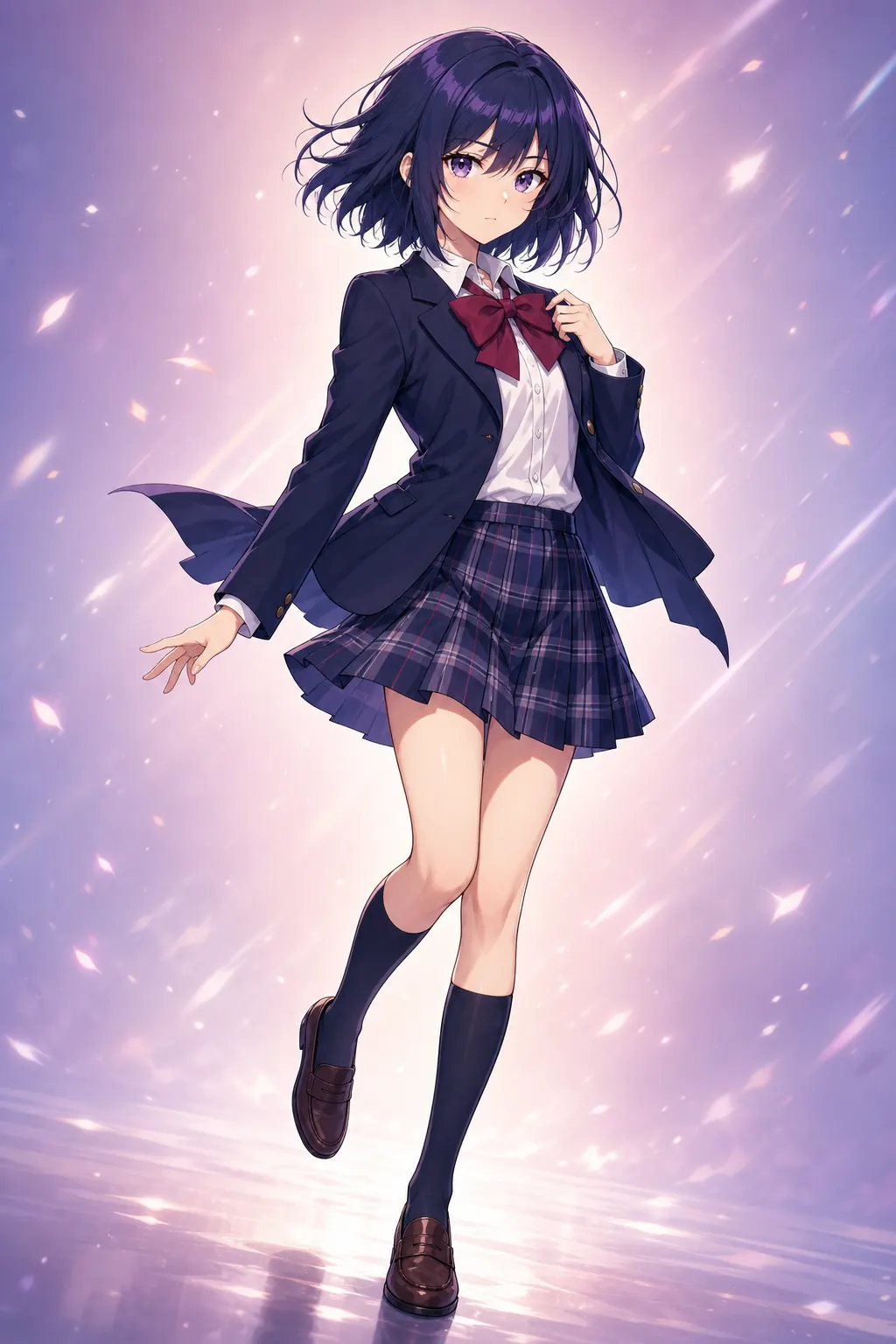
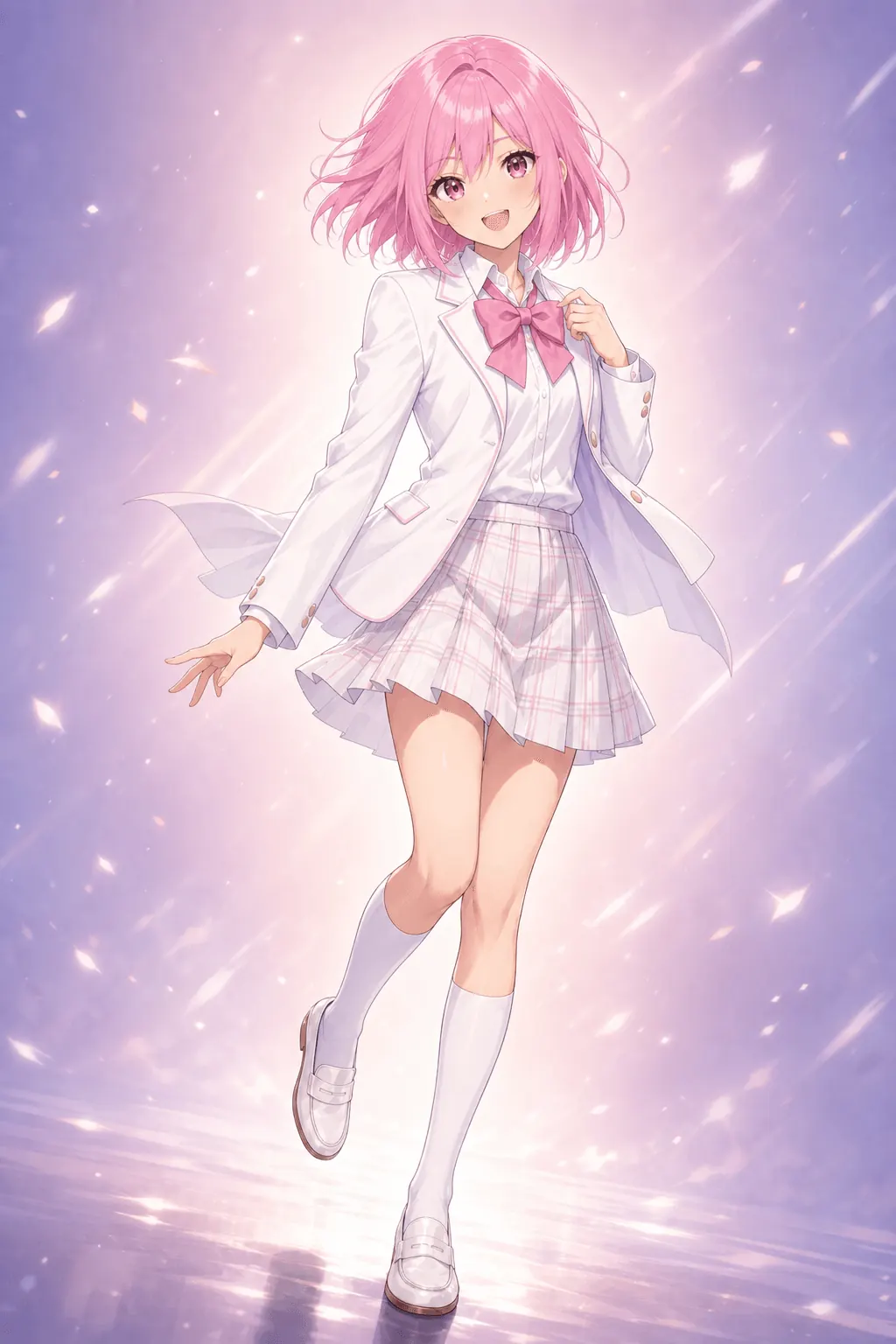
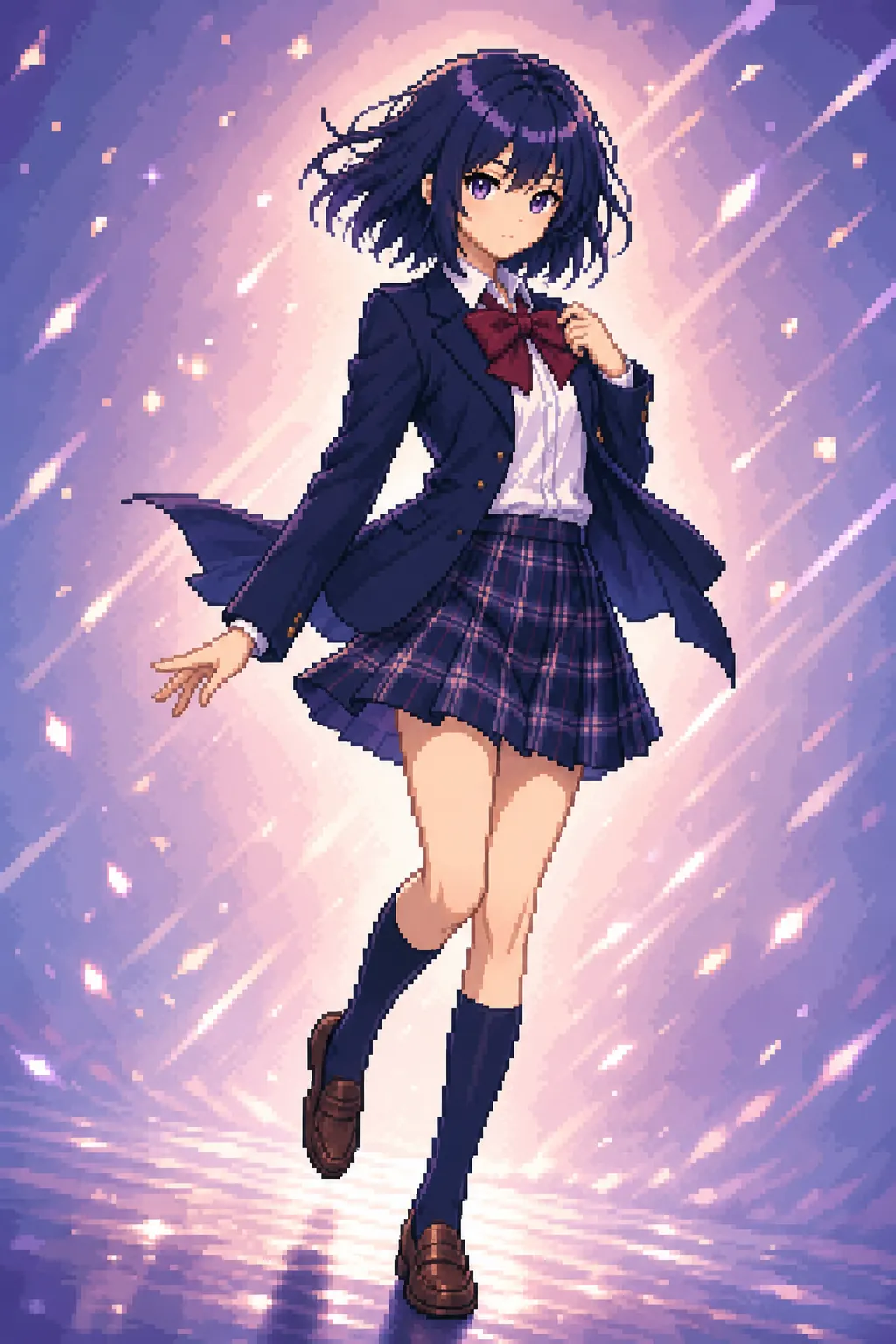
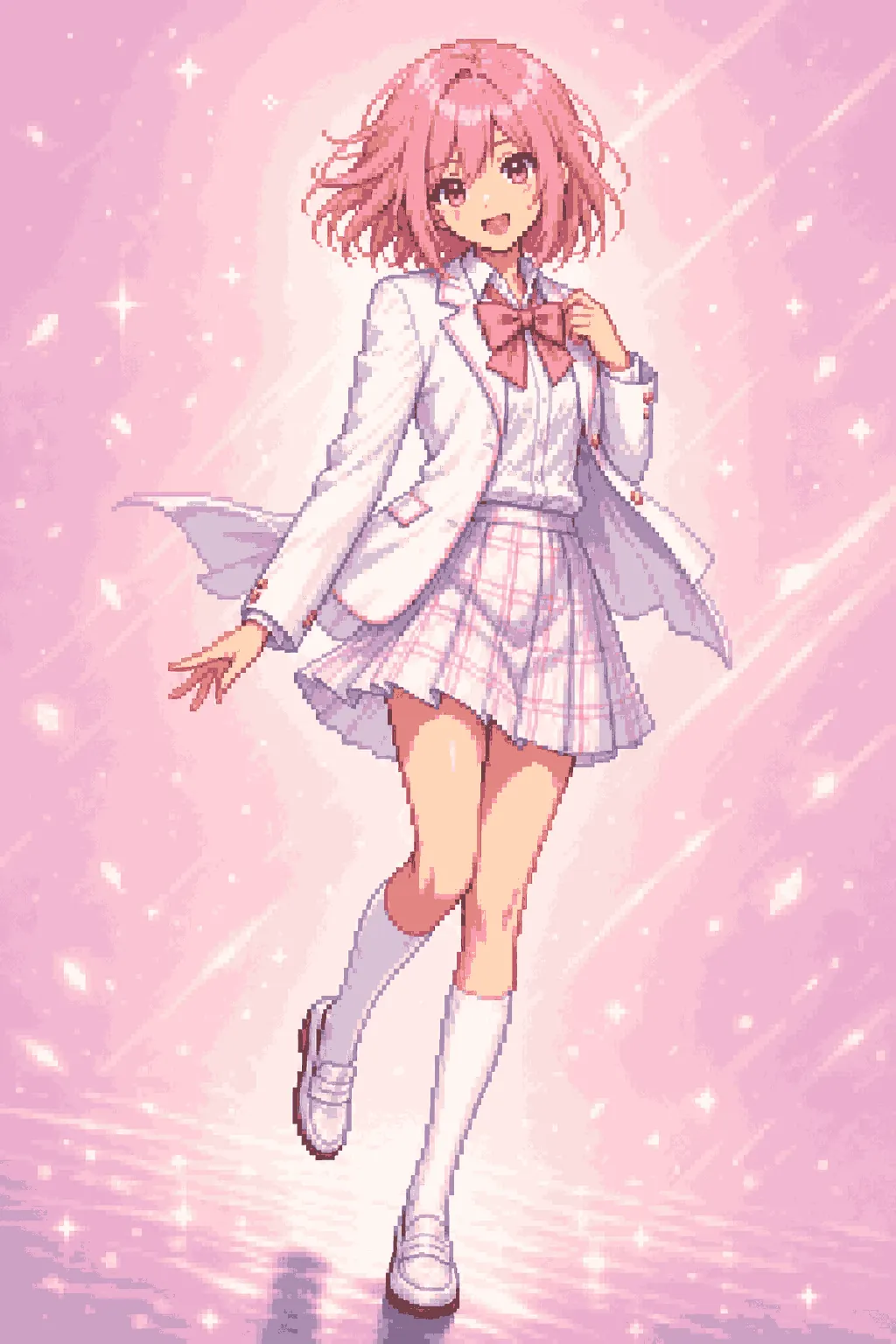
Before & after
Turn an image into pixel art. Plenty of presets to choose from.
Plenty of presets to choose from
Chibi when you want cute, Raffle for a new scene, Redraw to keep the shot.
What you can do
8 AI presets to steer the look, plus 5 free browser tools for everyday cleanup. Free to use, no login.
Pixelize
Turn images into clean pixel art and pixel art icons with AI. Plenty of presets to choose from.
1 creditRemove Background
Remove the image background for a transparent cutout. Free to use, no login. Runs locally to protect privacy.
FreePixel Art Scaler
Straighten pixel art or integer-upscale it. Free to use, no login. Runs locally to protect privacy.
FreePixelate Image
Classic algorithms turn an image into pixel art. Free to use, no login. Runs locally to protect privacy. For AI pixel art, open the studio.
FreeHow it works
- Upload
Drop an image into the studio — illustrations, screenshots, and more.
- Choose a preset
Pick from 8 presets — Redraw, Chibi, Portrait, Scene, and more.
- Generate & download
Generate with AI, tweak settings if needed, then download.
FAQ
What is AniPixel AI?
AniPixel AI is an AI image-to-pixel-art web app with an anime-style focus. Open the studio, pick a preset, and generate. Each image costs 1 credit; new accounts get 5 free credits.
Can I convert a photo to pixel art?
Yes, but photos and selfies are not the main use case. Results are more reliable on anime-style art; portraits can work when the subject is clear and the face fills enough of the frame.
How do I convert an image to pixel art?
Open the studio, upload a JPG, PNG, or WEBP up to 20MB, start with the Redraw preset, generate, then download. Each result costs 1 credit.
What's the difference between the AI studio and Pixelate?
The free Pixelate tool keeps your image and makes it blocky. The AI studio redraws it as pixel art with a game-style look. Pick whichever finish you want.
How do free credits work?
New accounts get 5 credits. The studio costs 1 credit per image; failed runs are refunded. Subscribe or buy packs on Pricing. Browser tools such as Remove Background, Pixel Art Scaler, and Pixelate never use credits.
Who owns my uploads and outputs?
You keep ownership of what you upload. You may download and use outputs you generate, subject to rights in your source material and the Terms. The studio sends uploads to third-party AI providers; the free browser tools run locally and do not upload.
When should I use Redraw, Chibi, or Raffle?
Redraw keeps the composition. Chibi shortens the figure to a cute 2–3-heads-tall look. Raffle starts a new scene or pose; pick it when you want a different setting.
Try it with an image?
Open the studio and use an image you have rights to. New accounts start with 5 free credits.
Open the studio