Two Pixelize controls are gated behind VIP membership: Custom aspect and Advanced Prompt. Everything else described in the free guides stays available on free accounts (credits still apply for Pixelize itself).
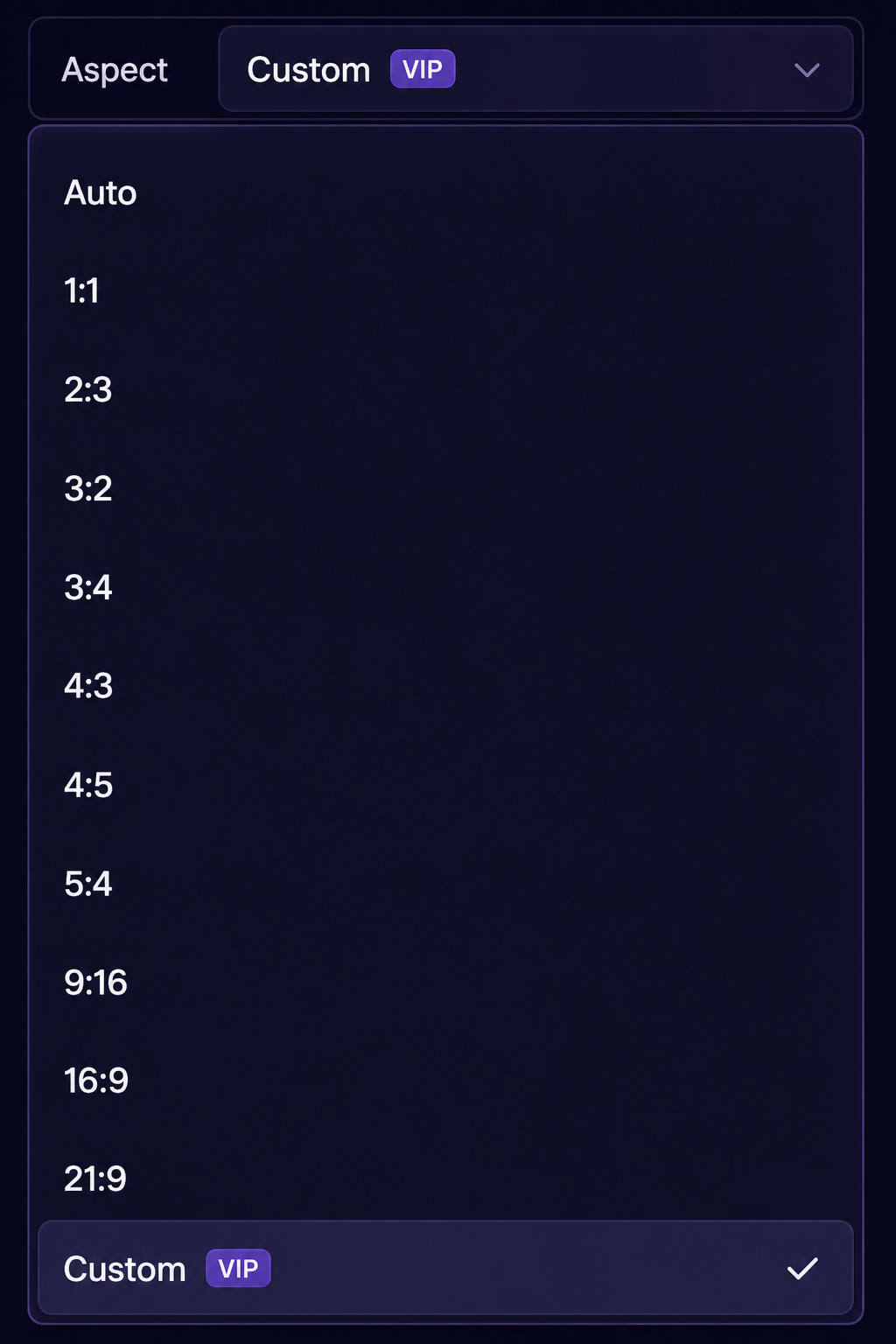
Custom aspect
VIP lets you set a Custom width × height instead of picking a preset ratio, within AniPixel’s size limit. Use it when you want a specific frame for a wallpaper crop, a post layout, or any personal canvas size.
Without VIP, use Auto or the listed fixed ratios.
Advanced Prompt
VIP unlocks the Advanced Prompt panel:
- Turn it on to add extra written direction (up to a character limit).
- Modes include custom guidance or a stronger Override mode that leans much more on your text.
Prompts don’t guarantee a perfect match — AI results still vary — but they help when you need a specific palette note, pose hint, or style reminder.
What VIP is not
VIP does not mean unlimited free Pixelize runs. You still spend credits. VIP also unlocks longer History retention and the same feature set across Basic, Creator, and Pro — the plans mainly differ in monthly credit amounts. See When you need VIP and Plans and credit packs.
Compare plans on Pricing.