After Pixelize finishes, the result panel is where you keep, retry, or clean up an image.
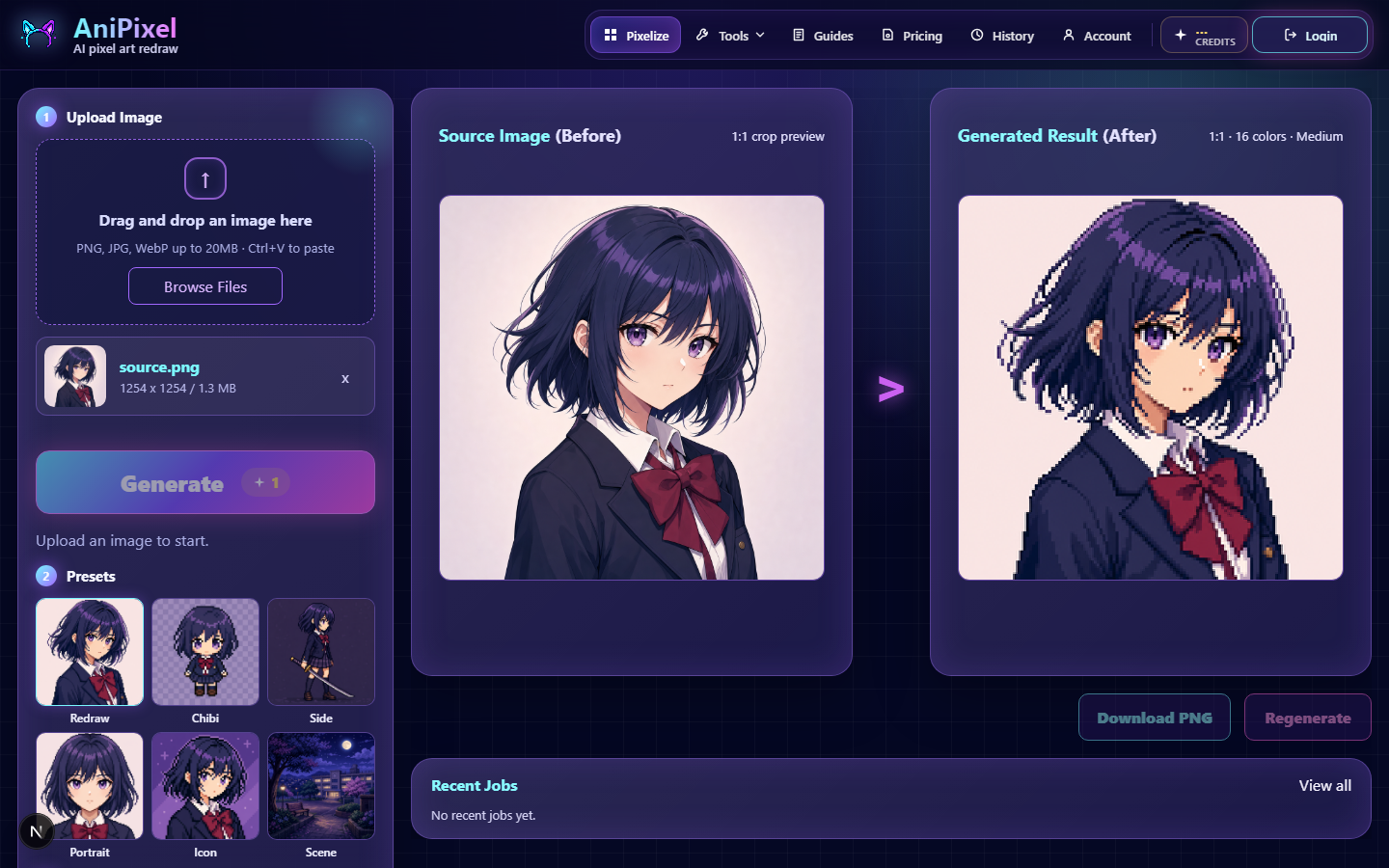
Download PNG
Use Download PNG on the result you want. PNG keeps sharp pixels and transparency when the background is transparent.
If you generated multiple images, select the slot first, then download.
Regenerate
Regenerate runs another pass with your current image and settings. It costs credits again (1 per image). Handy when the framing is right but you want a different AI take.
Remove background when it fits
If Pixelize detects a flat color backdrop, you may see a path into Remove Background. That tool is free, runs in your browser, and doesn’t spend credits. You can also open it any time from Tools.
After cleanup
To recover the true sprite size or export a crisp larger integer scale, use Fix Pixel Grid. A common path is documented in Pixelize then cleanup.
Find it later
Signed-in jobs appear in History so you can download again while the file is still kept for your account.