Pixel art stickers with transparent cutouts
A sticker needs a readable silhouette and a transparent edge. Generate with Chibi or Redraw in Pixelize, download, then cut out with the free Remove Background tool in your browser — no credits for the cutout.
on AniPixel
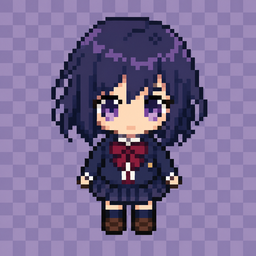
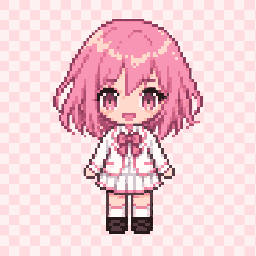
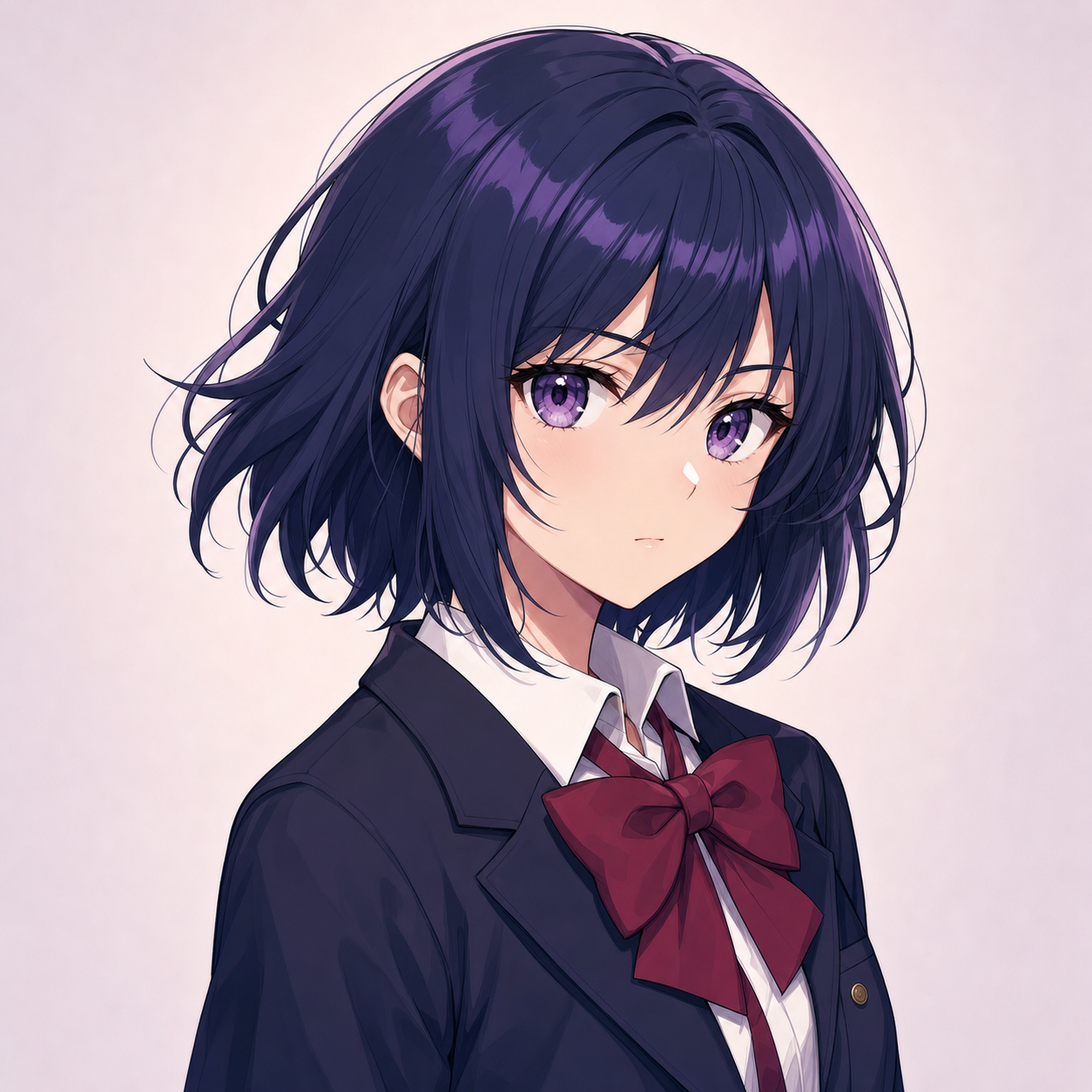
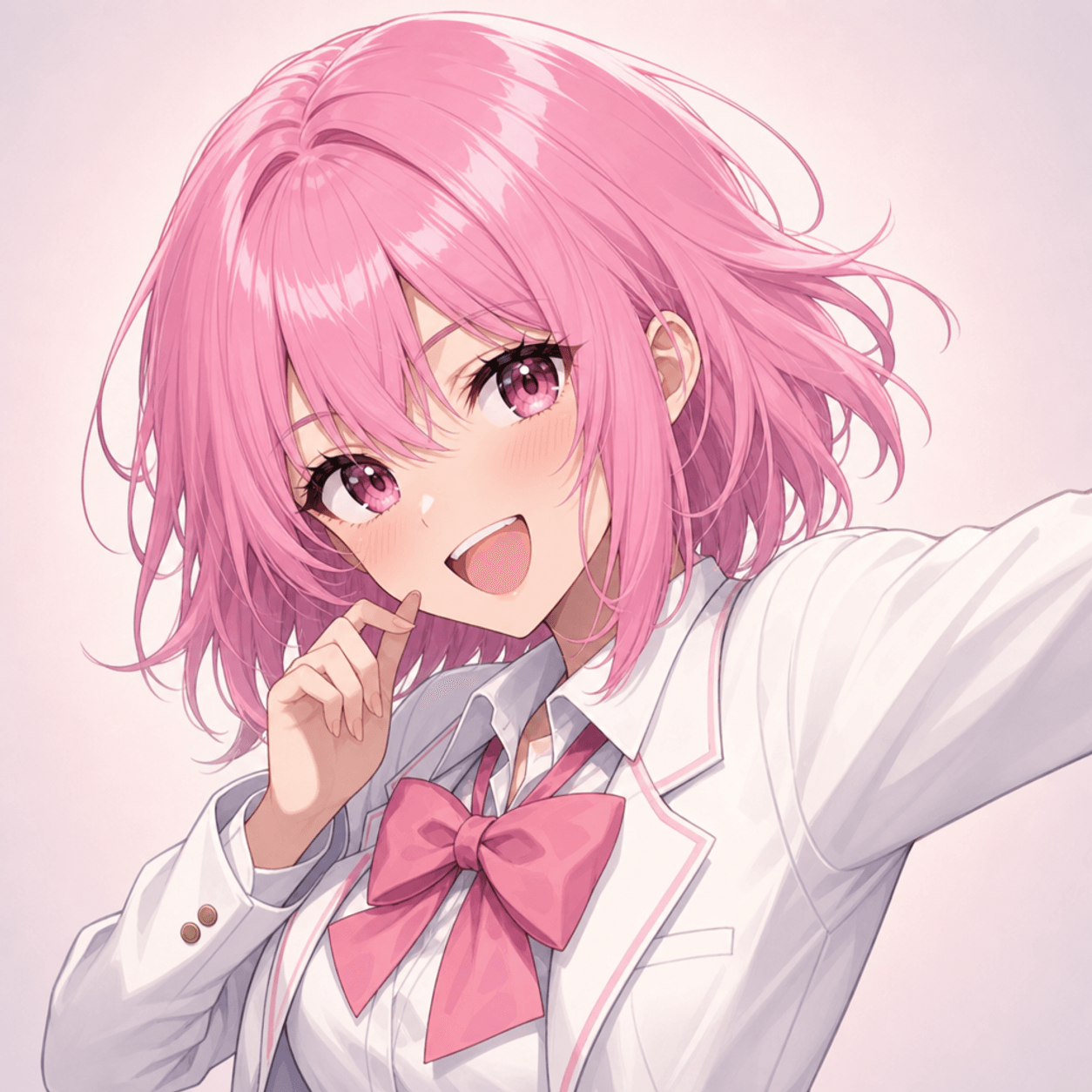
Before & after
From image to pixel art: a character illustration redrawn with a readable silhouette and compact palette.
How to make pixel art stickers
- Generate in Pixelize
Use Chibi for cute stickers or Redraw for closer likeness. Prefer a simple background when available.
- Download the PNG
Pick the result you like. One clear character beats a crowded scene.
- Remove background
Open Remove Background, cut out the subject, export a transparent PNG. Optional: Fix Pixel Grid for a crisp integer scale.
Why generate, then cut out?
Stickers fail when the edge is soft or the subject melts into the plate. AniPixel redraws the character as pixel art first, then the free browser tool peels the background — cleaner than mosaic-filtering a photo and hoping the edge survives.
Pixel art sticker FAQ
How do I make pixel art stickers with a transparent background?
Generate with Chibi or Redraw in Pixelize, download the PNG, then run Remove Background in the browser and export a transparent cutout.
Does Remove Background cost credits?
No. The cutout runs locally in your browser and never spends Pixelize credits. Only the AI generate step uses credits.
Stickers vs Discord emotes — what’s the difference?
Same transparent-PNG idea; emotes must survive tiny chat scale with one bold gag. Stickers can be a bit larger or pack-oriented — still keep a hard silhouette.
Ready to make a transparent pixel sticker?
Generate in Pixelize, then Remove Background for a clean PNG cutout you can drop into packs or chats.
Open Pixelizeon AniPixel