Pixel art avatar for profile pictures
Turn a clear face or bust into a square pixel-art avatar. Portrait locks 1:1 so the face still reads small on Discord, Steam, and forums. This is an AI redraw, not a pixelate mosaic of the same photo.
on AniPixel
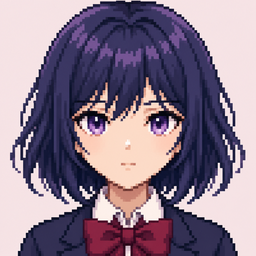
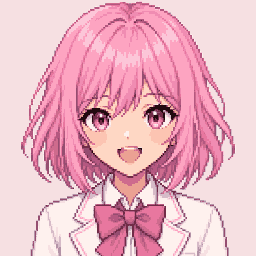
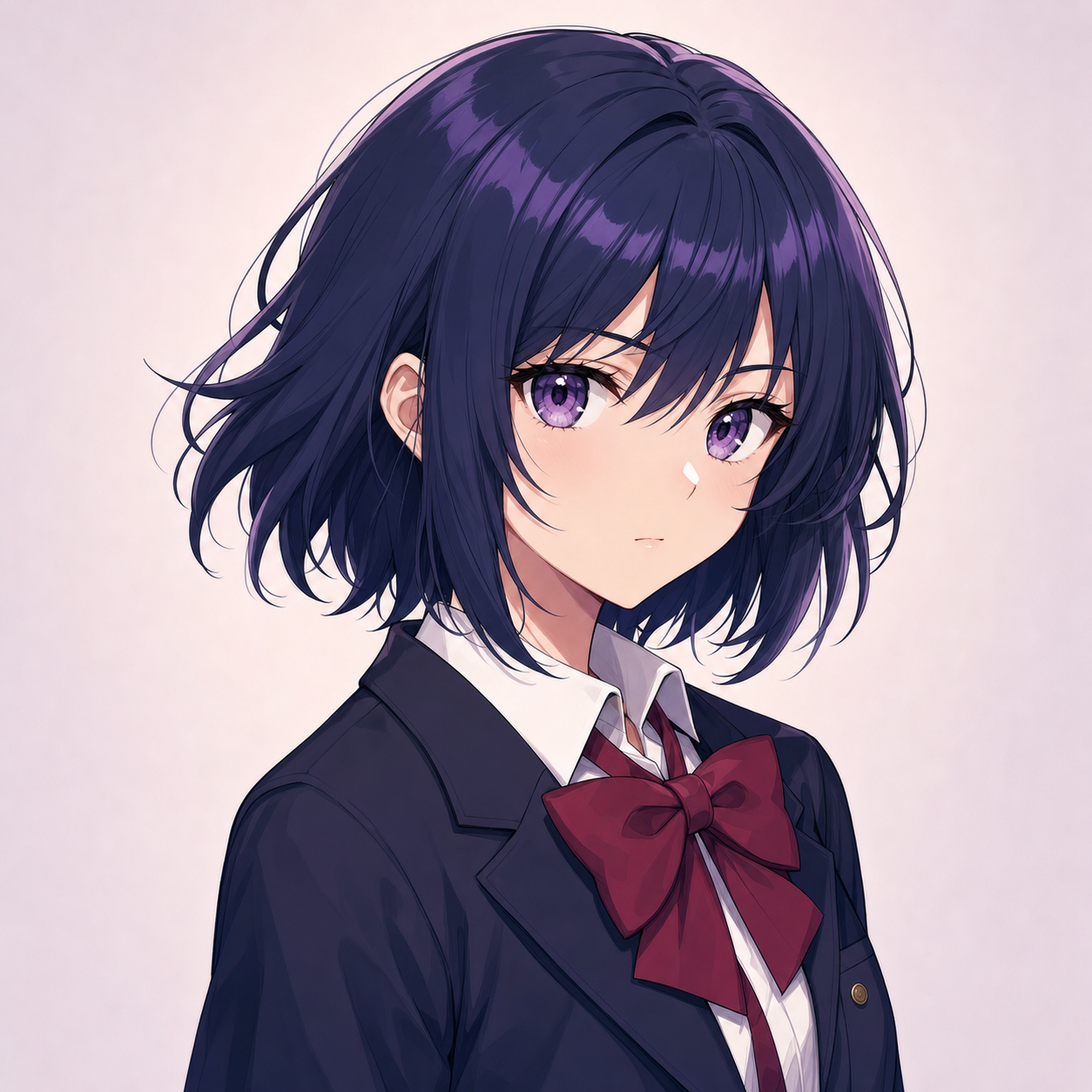
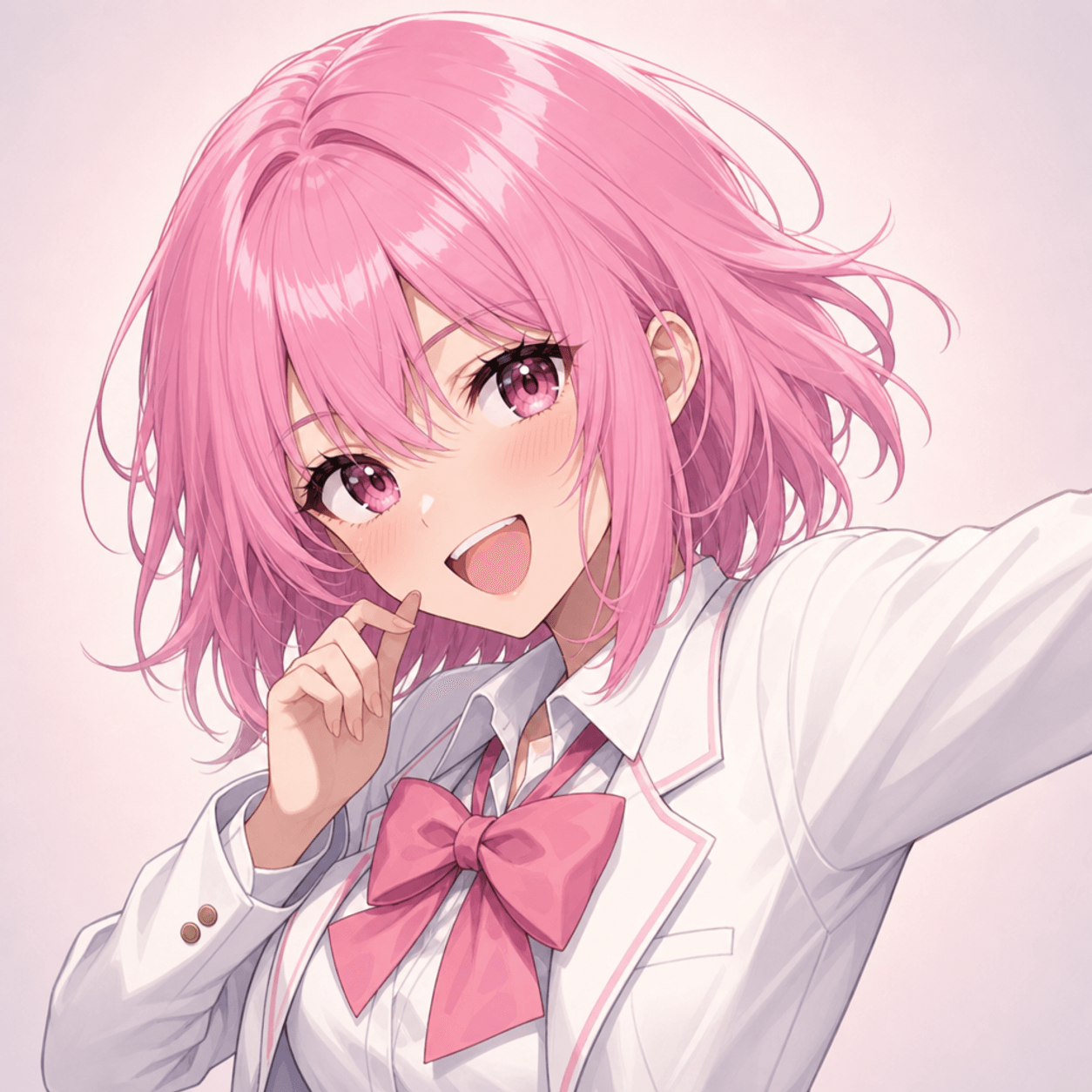
Before & after
From image to pixel art: a character illustration redrawn with a readable silhouette and compact palette.
How to make a pixel art avatar
- Open Pixelize
Upload a head-and-shoulders photo or illustration (JPG, PNG, or WEBP, up to 20MB).
- Choose Portrait
Portrait locks aspect to 1:1. Use Front Face if the subject looks away; Manual crop only if the face is off-center.
- Generate and download
Run one AI redraw, export PNG. Optional: Remove Background for a floating-head cutout.
Why not just pixelate your selfie?
Pixelate / mosaic tools keep the photo and only make it blocky. A profile avatar needs a readable silhouette at thumbnail size — AniPixel redraws the face as pixel art so edges and colors can simplify for Discord, Steam, and forum slots.
Pixel art avatar FAQ
How do I make a pixel art profile picture?
Upload a clear face in Pixelize, choose Portrait (1:1), generate, and download the PNG. Prefer head-and-shoulders sources so the face still reads when shrunk.
Is a pixel art avatar the same as pixelate image?
No. Pixelate keeps your photo structure in a grid. AniPixel asks AI to redraw it as pixel art — closer to game-style art than a mosaic filter.
Will this work on Discord, Steam, or forums?
Usually yes if the face stays recognizable at avatar size on a dark theme. Keep the square PNG for most profile slots; remove background only when you need a cutout on a custom plate.
Ready for a square pixel avatar?
Open Pixelize, pick Portrait, generate once, and download a PNG built for profile slots.
Open Pixelizeon AniPixel