History is your library of Pixelize runs. Sign in to open it.
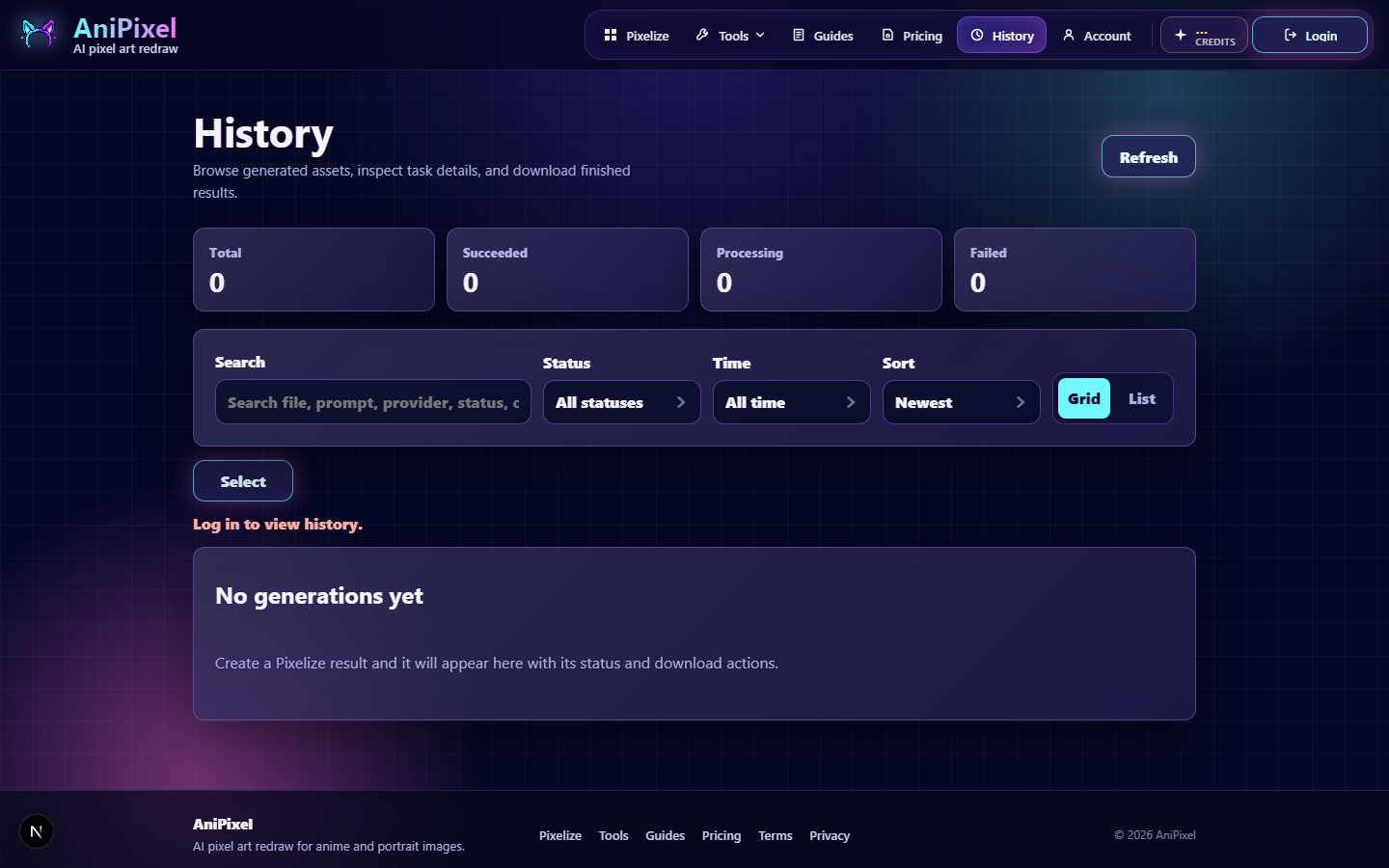
What you’ll see
- Counts for total, succeeded, processing, and failed jobs.
- A search box and filters for status and time range.
- Sort options plus grid or list layouts.
- Each successful job can be downloaded again while it’s still retained.
Inspect a job
Open a job to review results, compare processed vs AI original when available, and see the snapshot of preset, aspect, colors, and other settings from that run.
Batch download
Use selection mode to grab several successful outputs at once when you need a folder of PNGs.
How long files stay
Free accounts keep History for about 15 days. VIP / subscription History lasts about 90 days. After that, older files may no longer be available to download — export keepers sooner if you need them offline.
Membership details: When you need VIP. Account overview: Manage account and subscription.