You can browse AniPixel without an account, and the free local tools work without signing in. Pixelize history, account balance, and paid plans need a login.
How to sign in
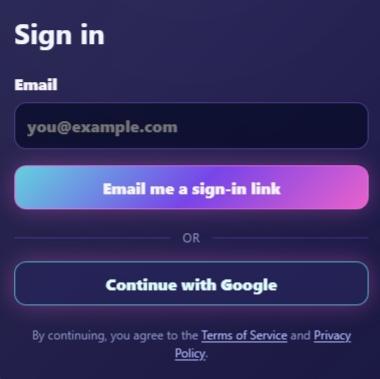
Open Login. You have two options:
- Email me a sign-in link — enter your email, open the message, and follow the link.
- Continue with Google — sign in with a Google account.
There is no password to remember. Keep access to the email inbox you use here.
Starter credits
New accounts receive 5 credits to try Pixelize. Each Pixelize image costs 1 credit. If a generation fails, that credit is returned.
After starter credits are gone, buy a plan or credit pack, or keep using free tools like Remove Background and Fix Pixel Grid — those never spend credits.
After you’re signed in
- Your credit balance appears in the header.
- Finished Pixelize jobs show up under History.
- Membership and purchases are managed under Account.
More on balances: How credits work.