Sometimes one take isn’t enough. On Pixelize, open settings and set Images to 2, 3, or 4 before you press Generate.
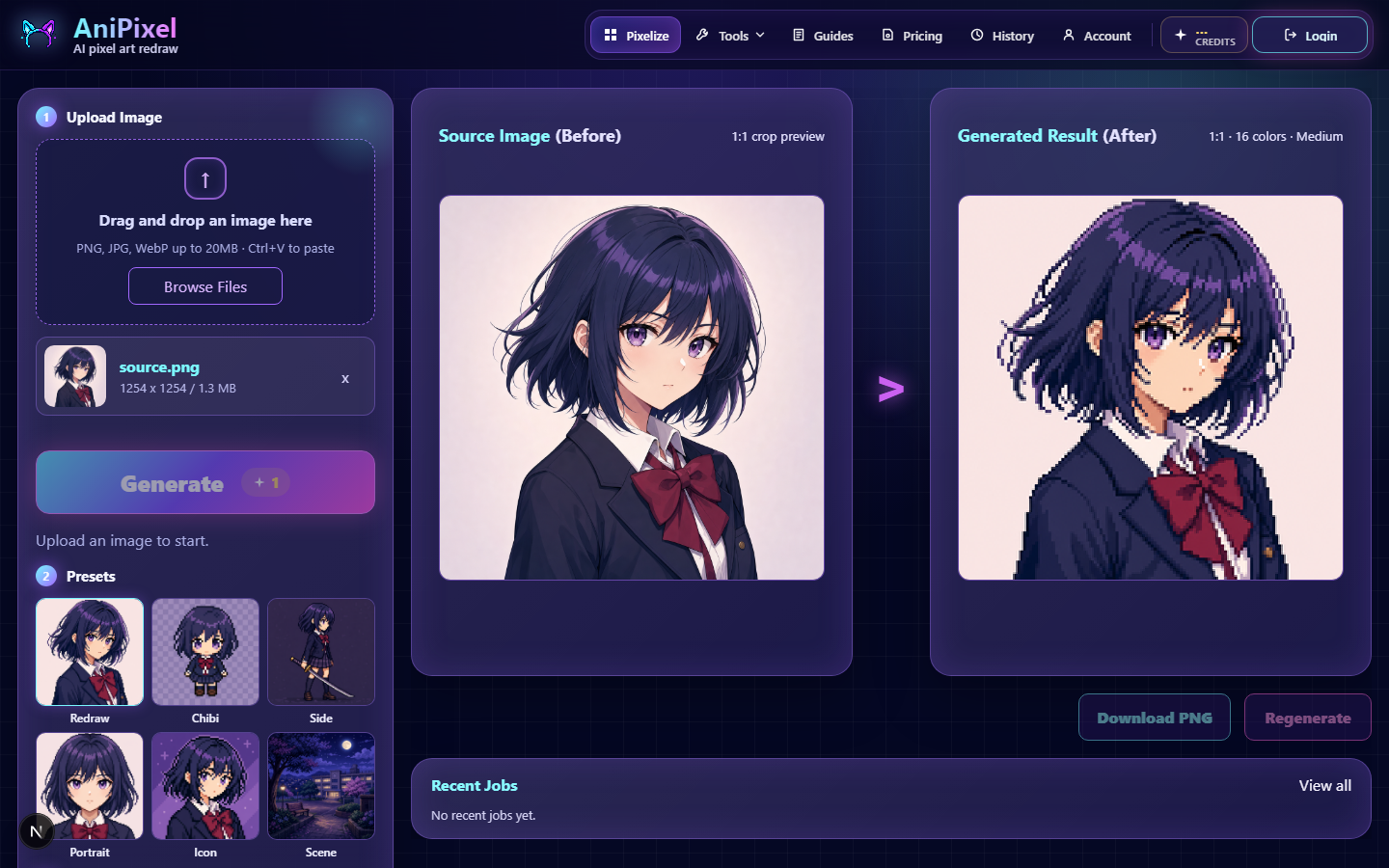
How it works
- One run can return up to four results.
- You pay 1 credit per image, so the Generate button shows the total.
- Results appear in a grid; click a slot to focus it, then download the ones you like.
When multiple images help
- Exploring a preset you haven’t used much.
- Trying slight subject crops while keeping the rest of the setup the same.
- Picking a favorite among nearby variations for an avatar or portrait remake.
Tips
- Start with Images = 1 while learning controls, then raise the count once settings look right.
- Failed generations refund credits for those failed slots — you’re not charged for empty failures.
- Finished work still shows in History when you’re signed in.
For what each setting means, see Pixelize settings explained.